Quick AI Gateway and Model Selection Guide
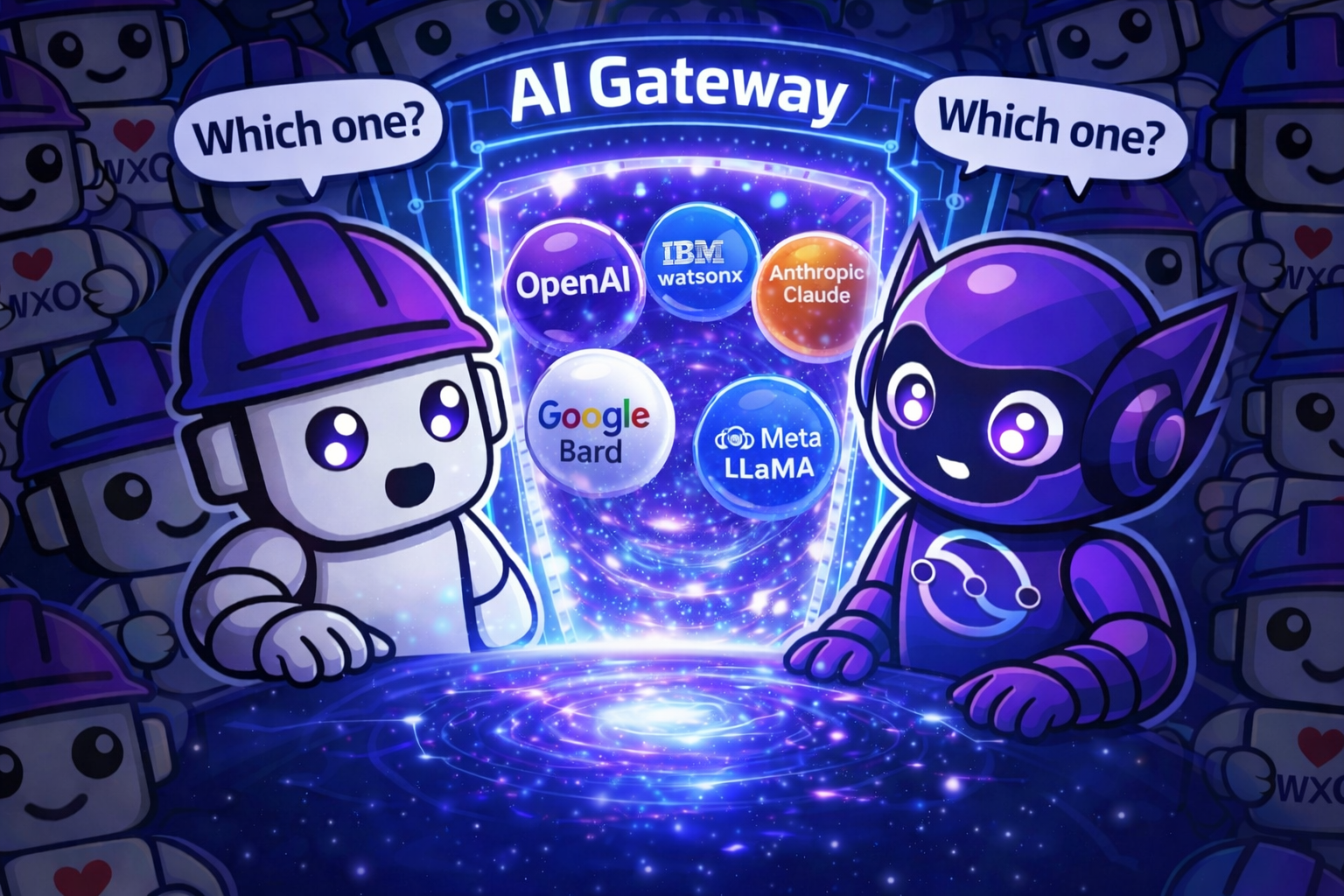
A quick reference for understanding AI Gateway capabilities and choosing models for your watsonx Orchestrate agents.
AI Gateway Overview
The AI Gateway provides a unified interface to access multiple LLM providers:
Your Agents → AI Gateway → External Providers (OpenAI, Anthropic, Google, etc.)
              ↓
         Policies & Governance
Key Benefits
| Feature | Description |
|---|---|
| Unified API | Single interface for all model providers |
| Flexibility | Switch providers without code changes |
| Governance | Centralized policies and controls |
| Monitoring | Track usage, costs, and performance |
| Security | Secure credential management |
Default Platform Model
| Model | Provider | Speed | Best For |
|---|---|---|---|
| groq/openai/gpt-oss-120b | Groq / AWS Bedrock | ⚡⚡⚡ | General purpose, tool calling, production use |
Recommended as the default choice for most use cases.
External Model Providers
Provider Comparison
| Provider | Strengths | Use Cases |
|---|---|---|
| OpenAI | Advanced reasoning, broad capabilities | Complex tasks, general purpose |
| Anthropic | Long context, analysis, safety | Document analysis, research |
| Multimodal, fast inference | Vision tasks, quick responses | |
| AWS Bedrock | Enterprise features, compliance | Regulated industries, enterprise |
| Azure OpenAI | Microsoft integration | Enterprise Microsoft shops |
| Ollama | On-premises, privacy | Data-sensitive applications |
When to Use External Providers
Start Here: groq/openai/gpt-oss-120b (default)
    |
    ├─ Need specific capabilities not in default?
    │   └─ YES → Consider external provider
    │
    ├─ Have compliance requirements?
    │   └─ YES → AWS Bedrock or Azure
    │
    ├─ Need on-premises deployment?
    │   └─ YES → Ollama
    │
    └─ Default model meets needs?
        └─ YES → Stay with default (recommended)
Model Policies
Model policies allow you to coordinate multiple models for load balancing, fallback, and retry strategies.
Policy Strategy Types
| Strategy | Purpose | Use Case |
|---|---|---|
| loadbalance | Distributes requests between models based on weight | Balance load across multiple model instances |
| fallback | Uses another model if one becomes unavailable | High availability and resilience |
| single | Uses one model with retry capability | Simple retry logic for transient errors |
Load Balancing Policy Example
spec_version: v1
kind: model
name: balanced_gpt
description: Load balances between two GPT model instances
display_name: Balanced GPT

policy:
  strategy:
    mode: loadbalance
    on_status_codes: [503, 504]
  retry:
    attempts: 1
  targets:
    - model_name: groq/openai/gpt-oss-120b
      weight: 0.75   # 75% of traffic
    - model_name: aws-bedrock/gpt-oss-120b
      weight: 0.25   # 25% of traffic
Fallback Policy Example
spec_version: v1
kind: model
name: resilient_gpt
description: Falls back to alternative model on errors
display_name: Resilient GPT

policy:
  strategy:
    mode: fallback
  retry:
    attempts: 1
    on_status_codes: [503, 500]
  targets:
    - model_name: groq/openai/gpt-oss-120b
    - model_name: aws-bedrock/gpt-oss-120b
Single Model with Retry Example
spec_version: v1
kind: model
name: retry_gpt
description: Single model with retry on transient errors
display_name: Retry GPT

policy:
  strategy:
    mode: single
  retry:
    attempts: 3
    on_status_codes: [503]
  targets:
    - model_name: groq/openai/gpt-oss-120b
Configuration Examples
Basic Agent (Default Model)
spec_version: v1
kind: native
name: support_agent
description: Standard support agent

instructions: |
  You are a helpful customer support agent.

# Use default platform model
llm: groq/openai/gpt-oss-120b

tools:
  - check_order_status
Agent with External Model
spec_version: v1
kind: native
name: advanced_agent
description: Agent using external model

instructions: |
  You are an advanced support specialist.

# Use external OpenAI model (requires AI Gateway configuration)
llm: virtual-model/openai/gpt-4-turbo

tools:
  - check_order_status
Agent with Model Policy
spec_version: v1
kind: native
name: resilient_agent
description: Agent with fallback model policy

instructions: |
  You are a customer support agent with high availability.

# Use model policy for resilience (policy must be created first)
llm: resilient_gpt

tools:
  - check_order_status
Cost Optimization Strategies
Strategy 1: Default First
- Start with groq/openai/gpt-oss-120b for all agents
- Only add external models when specifically needed
- Monitor usage and costs regularly
Strategy 2: Tiered Access
- Standard agents: Default model (80% of use cases)
- Advanced agents: External models (15% of use cases)
- Specialized agents: Premium models (5% of use cases)
Common Patterns
Pattern 1: Default Model for Production
# Most production agents should use the default model directly
spec_version: v1
kind: native
name: production_agent
description: Standard production agent

instructions: |
  You are a helpful assistant.

llm: groq/openai/gpt-oss-120b
Pattern 2: Load Balanced for High Volume
# Create policy first, then reference it
spec_version: v1
kind: native
name: high_volume_agent
description: Agent with load balanced models

instructions: |
  You are a helpful assistant.

llm: balanced_gpt  # References the load balancing policy
Pattern 3: Fallback for Resilience
# Create fallback policy first, then reference it
spec_version: v1
kind: native
name: resilient_agent
description: Agent with automatic fallback

instructions: |
  You are a helpful assistant.

llm: resilient_gpt  # References the fallback policy
Decision Checklist
Before choosing a model, ask:
- [ ] Does the default model (groq/openai/gpt-oss-120b) meet my needs?
- [ ] Do I have specific requirements that need an external provider?
- [ ] Have I configured appropriate policies?
- [ ] Am I monitoring costs and usage?
- [ ] Have I tested the model with real scenarios?
- [ ] Is my API key management secure?
- [ ] Have I documented my choice?
Troubleshooting
Issue: External model not available
Check:
- Available models: orchestrate models list
- Connection configuration: orchestrate connections list
- Model name spelling
Issue: High costs
Solutions: - Review usage patterns - Implement stricter policies - Use default model where possible
Issue: Slow responses
Solutions: - Check provider status - Consider faster models - Review network connectivity
Best Practices Summary
✅ DO:
- Start with default model (groq/openai/gpt-oss-120b)
- Implement policies from day one
- Monitor usage and costs regularly
- Use environment variables for API keys
- Test thoroughly before production
- Document model choices
❌ DON'T:
- Use external models without clear need
- Skip policy configuration
- Hardcode API keys
- Ignore cost monitoring
- Deploy untested models
- Forget about compliance
- Mix development and production configs
Additional Resources
Remember: The default model (groq/openai/gpt-oss-120b) is optimized for most use cases. Only add external providers when you have specific requirements that the default model cannot meet!
📚 Full Tutorial: For detailed explanations and step-by-step instructions, see the Part 3b: AI Gateway and External Model Providers main guide.